
Shop Demo: Included Pages & How to Customize It
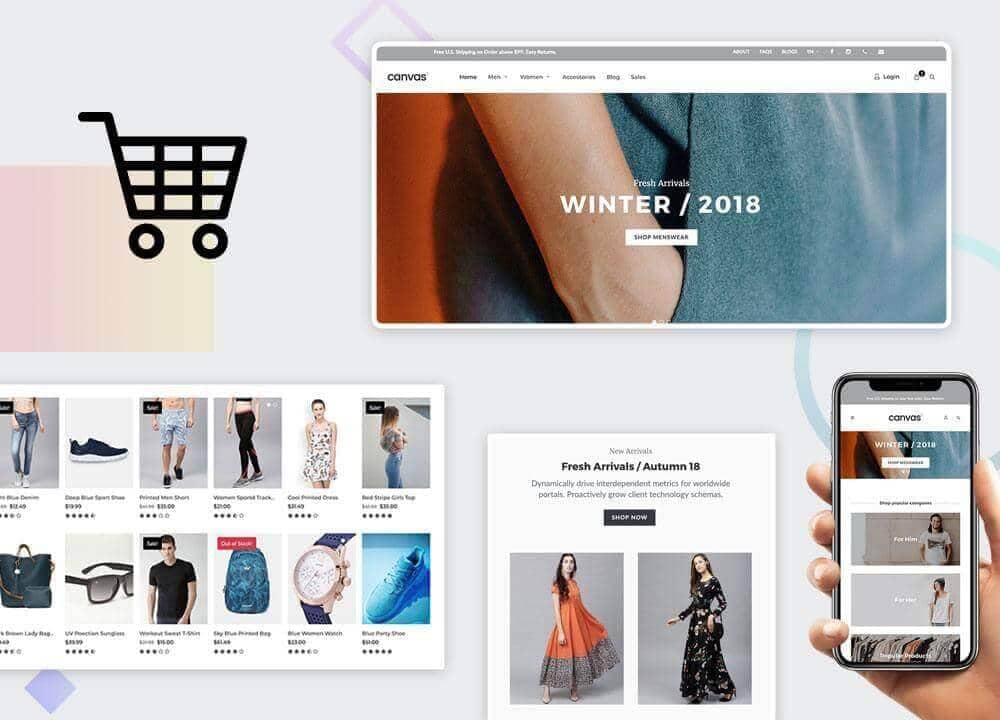
Canvas is a multipurpose HTML5 website template, and this documentation covers the Shop niche demo. It is aimed at retailers, boutique owners, artisans, and online sellers who want a polished storefront without building from scratch. The demo ships with a stretched layout, a full header in medium size, and the black accent color that pairs well with product photography, giving every shop a confident, retail-ready feel.
The Shop demo includes carefully designed pages for product listings, single product views, a cart and checkout flow, and supporting sections like about, contact, and blog. Typography is set in Lato for body copy, Montserrat for headings and interface elements, and Merriweather for editorial accents, which together create a clean balance between modern commerce and warm storytelling. Whether you sell fashion, pottery, or handmade goods, the Shop demo gives you a flexible starting point that looks considered on every screen.
What's included
| Page | Description |
|---|---|
demo-shop.html |
A fashion-focused storefront and eCommerce demo that showcases category grids, featured products, lookbook sections, and a complete shopping flow from product page to checkout. |
demo-shop-2.html |
A handcrafted clay pottery shop demo built around artisan storytelling, with gallery-style product displays, an about the maker section, and a warm editorial layout suited to small-batch sellers. |
The demo's own styles live in demos/shop/shop.css. Shared framework styles come from style.css and css/font-icons.css.
The full editing guide is in the dashboard
Step-by-step customization, the complete settings reference, and copy-paste code are available to registered Canvas users. Creating an account is free.
Required files
CSS: demos/shop/shop.css