
Course Demo: Included Pages & How to Customize It
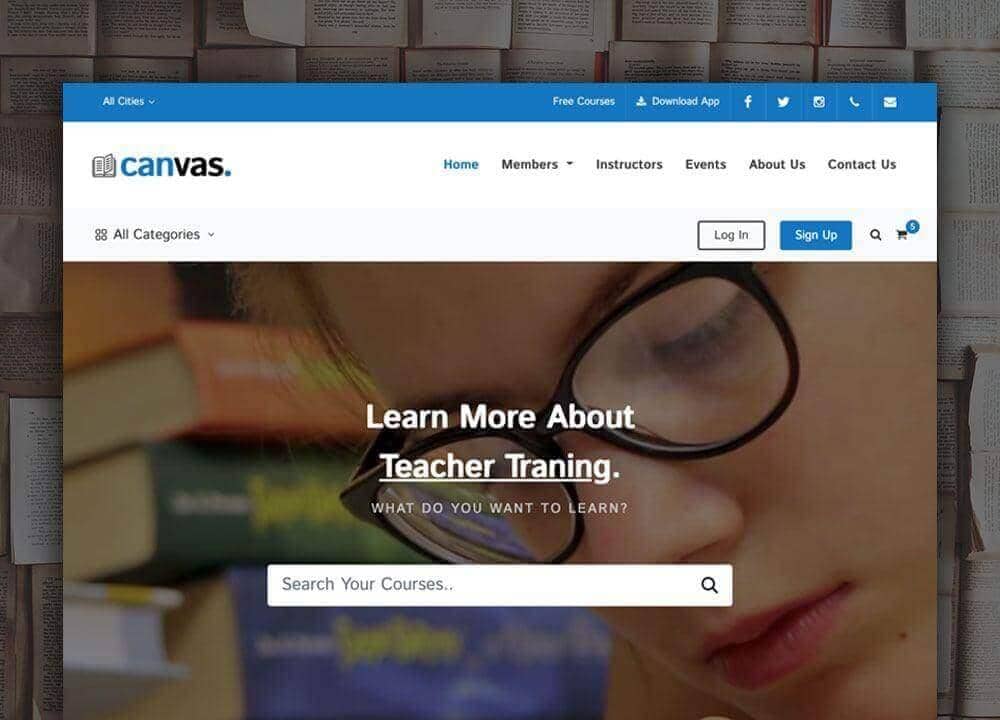
The Course demo of Canvas is built for educators, tutors, and online learning platforms that need a clean home base for lessons, instructors, and enrollment. It ships with an index page plus supporting inner pages, so you can present courses, instructors, schedules, and pricing without rebuilding layouts from scratch. The visual style leans on the #0474c4 theme color and the friendly Istok Web typeface, giving the whole experience a calm, classroom-ready feel that keeps attention on the content rather than the chrome.
Layout traits are tuned for browsing syllabi and course cards: a stretched width that uses the full screen on wide monitors, paired with a compact header that keeps navigation close at hand without pushing the first course card down the page. It works equally well for a single instructor selling one cohort or a larger academy with dozens of tracks and instructors to showcase.
What's included
| Page | Description |
|---|---|
demo-course.html |
Featured online courses and e-learning programs arranged in browsable cards, with highlights for instructors, categories, and upcoming sessions. |
The demo's own styles live in demos/course/course.css. Shared framework styles come from style.css and css/font-icons.css.
The full editing guide is in the dashboard
Step-by-step customization, the complete settings reference, and copy-paste code are available to registered Canvas users. Creating an account is free.
Required files
CSS: demos/course/course.css