
Jewellery Boutique Demo: Included Pages & How to Customize It
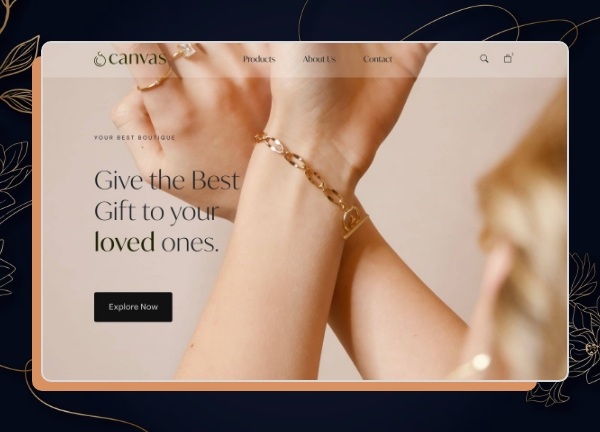
The Jewellery Boutique demo is built for independent jewellery makers, artisan ateliers, and small retail brands who want a refined online shopfront without sacrificing warmth or personality. It is one of many Canvas niche demos, so you can adapt the visual language to your collection while keeping the underlying structure, components, and shortcodes intact.
Inside you will find a home page crafted around the rhythm of a curated boutique, complemented by inner pages for collections, individual product details, the studio's story, and contact information. The layout is stretched for a spacious editorial feel, the palette leans on a deep olive green (#1F2506) for an earthy, luxurious accent, and the typography follows Canvas defaults to keep the focus on imagery and craftsmanship rather than competing type styles.
What's included
| Page | Description |
|---|---|
demo-jewellery-boutique.html |
The landing page showcases featured pieces, seasonal collections, the boutique's heritage, and a call to action for appointments or private viewings. |
The demo's own styles live in demos/jewellery-boutique/jewellery-boutique.css. Shared framework styles come from style.css and css/font-icons.css.
The full editing guide is in the dashboard
Step-by-step customization, the complete settings reference, and copy-paste code are available to registered Canvas users. Creating an account is free.
Required files
CSS: demos/jewellery-boutique/jewellery-boutique.css