
Photography Demo: Included Pages & How to Customize It
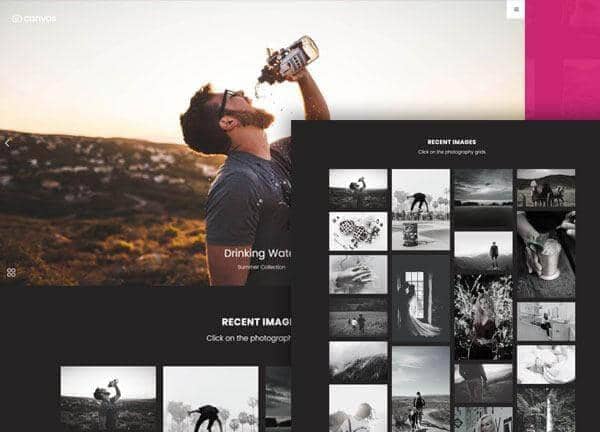
Canvas includes a photography demo built for working photographers who want their work to lead the conversation. The layouts pair generous image canvases with clean typography, letting galleries, case studies, and journal entries share the stage without competing for attention.
The demo ships with three distinct page templates, each tuned for a different branch of the craft. Portfolio pieces sit alongside pricing, contact, and editorial sections, all styled in a deep theme color with the Poppins typeface and a stretched, dark side header that keeps navigation within reach as visitors scroll.
What's included
| Page | Description |
|---|---|
demo-photography.html |
A versatile photography portfolio and gallery landing page that introduces the studio with featured shoots, a services overview, and a direct path into client booking. |
demo-photography-2.html |
A fine art photography portfolio titled Lens & Shadow, presenting curated series in an editorial sequence with quiet captions and room for artist statements. |
demo-photography-portfolio.html |
A focused fine art portfolio under the CanvasLens label, organizing images into themed collections, exhibition notes, and print purchase details. |
The demo's own styles live in demos/photography/photography.css. Shared framework styles come from style.css and css/font-icons.css.
The full editing guide is in the dashboard
Step-by-step customization, the complete settings reference, and copy-paste code are available to registered Canvas users. Creating an account is free.
Required files
CSS: demos/photography/photography.css