
Business Demo: Included Pages & How to Customize It
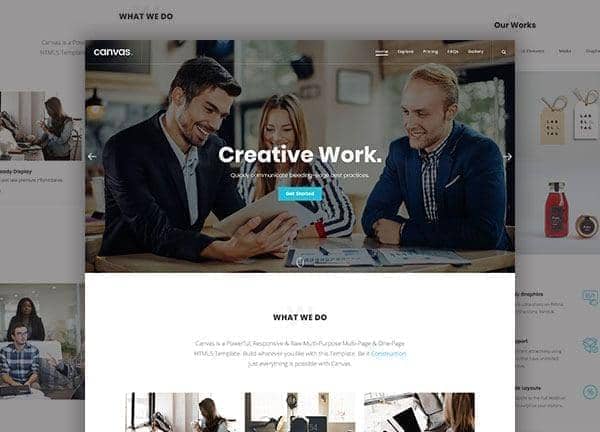
Canvas ships with a dedicated demo for business and corporate sites, giving founders, agencies, and established companies a fast way to launch a credible online presence. The demo is built around a stretched, light layout with a clean teal accent (#00BED7) and a confident type pairing of Poppins for headings and Open Sans for body copy, so the result reads as professional without feeling stiff.
The build includes a homepage that introduces the company, services that outline what you offer, a portfolio for case studies and client work, an about page for your team and story, a blog for updates and thought leadership, and a contact page for enquiries. Together they cover the pages most service businesses need on day one.
What's included
| Page | Description |
|---|---|
demo-business.html |
A multi-page business and corporate website template combining a services overview, portfolio, about, blog, and contact pages in one cohesive demo. |
The demo's own styles live in demos/business/business.css. Shared framework styles come from style.css and css/font-icons.css.
The full editing guide is in the dashboard
Step-by-step customization, the complete settings reference, and copy-paste code are available to registered Canvas users. Creating an account is free.
Required files
CSS: demos/business/business.css