
App Landing Demo: Included Pages & How to Customize It
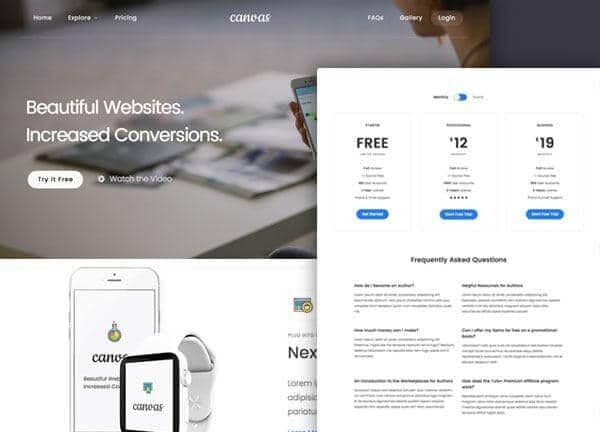
Canvas is a flexible HTML5 template, and the App Landing demo is tailored for mobile apps, SaaS products, and software startups that need a focused launch presence online. It comes as a single polished page built to communicate value quickly, walk visitors through features, and convert them into downloads or signups.
The design uses a stretched, light layout with a signature blue accent color (#267DF4), pairing Poppins and Montserrat for clean, modern headings and UI text with Merriweather for approachable body copy. It feels friendly and conversion oriented, with plenty of room for screenshots, device mockups, and call to action buttons that guide users toward the next step.
What's included
| Page | Description |
|---|---|
demo-app-landing.html |
A single page layout that introduces the app with a hero section, feature highlights, screenshot gallery, pricing or download call to action, and footer designed to drive app installs and preorders. |
The demo's own styles live in demos/app-landing/app-landing.css. Shared framework styles come from style.css and css/font-icons.css.
The full editing guide is in the dashboard
Step-by-step customization, the complete settings reference, and copy-paste code are available to registered Canvas users. Creating an account is free.
Required files
CSS: demos/app-landing/app-landing.css