
Conference Demo: Included Pages & How to Customize It
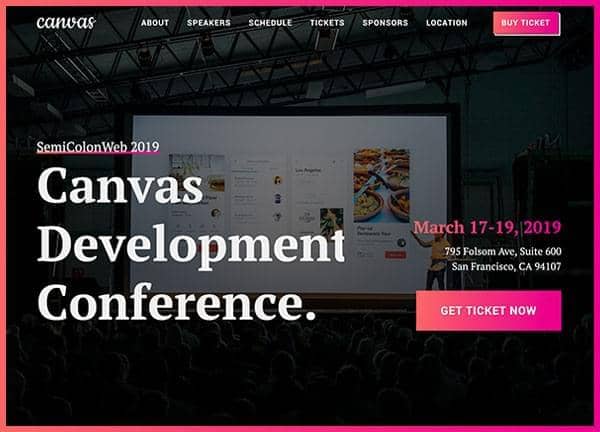
Canvas is a flexible HTML5 website template that can be adapted to many industries, and this demo is built around the needs of conference and event organizers. It pairs a stretched, full width layout with a transparent header and a dark theme, giving event sites a cinematic, on brand feel that holds up on large screens and small phones alike.
The Conference demo ships with a single ready to edit page that covers everything from the event hero and speaker lineup to schedule, venue, sponsors, and ticket purchase calls to action. It uses PT Serif for an editorial tone that suits keynote heavy programs, and the dark color scheme anchored at #222222 lets photography, video, and accent colors take the spotlight without competing with the typography.
What's included
| Page | Description |
|---|---|
demo-conference.html |
A complete one page event site featuring a hero with date and location, featured speakers, agenda and schedule, venue information, sponsor logos, and ticket registration sections, all presented in a dark, stretched layout with a responsive sticky header. |
The demo's own styles live in demos/conference/conference.css. Shared framework styles come from style.css and css/font-icons.css.
The full editing guide is in the dashboard
Step-by-step customization, the complete settings reference, and copy-paste code are available to registered Canvas users. Creating an account is free.
Required files
CSS: demos/conference/conference.css