
SaaS Demo: Included Pages & How to Customize It
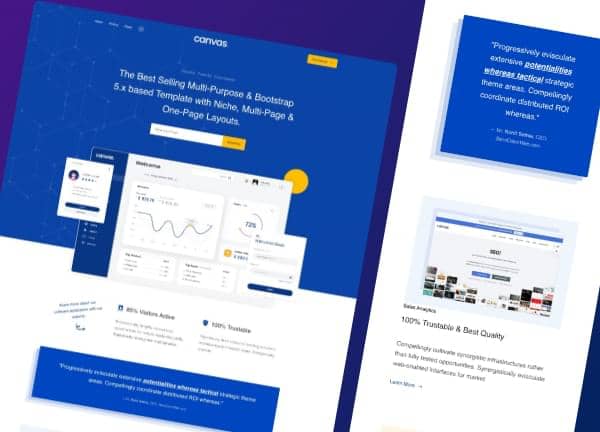
Canvas ships with two ready-made SaaS demos for product teams who want a polished marketing site without rebuilding from scratch. Each layout is built around the standard SaaS narrative, with sections for hero pitches, feature grids, integrations, testimonials, pricing, and a footer built for lead capture. The look is clean and modern, using stretched sections and the default theme palette so your product stays the focal point.
Both demos lean on Canvas's default typography and color system, keeping things readable and on-brand without extra configuration. Whether you run a single product or a multi-tier platform, you can pick the demo that matches your story and swap in your own content without touching the underlying code.
What's included
| Page | Description |
|---|---|
demo-saas.html |
A standard SaaS marketing page that pairs a strong hero with feature highlights, customer logos, testimonials, and a pricing block to convert visitors into signups. |
demo-saas-2.html |
An alternative SaaS layout positioned around a website builder narrative, with sections that emphasize ease of use, templates, and a clear call to start building. |
The demo's own styles live in demos/saas/saas.css. Shared framework styles come from style.css and css/font-icons.css.
The full editing guide is in the dashboard
Step-by-step customization, the complete settings reference, and copy-paste code are available to registered Canvas users. Creating an account is free.
Required files
CSS: demos/saas/saas.css