
Branding Studio Demo: Included Pages & How to Customize It
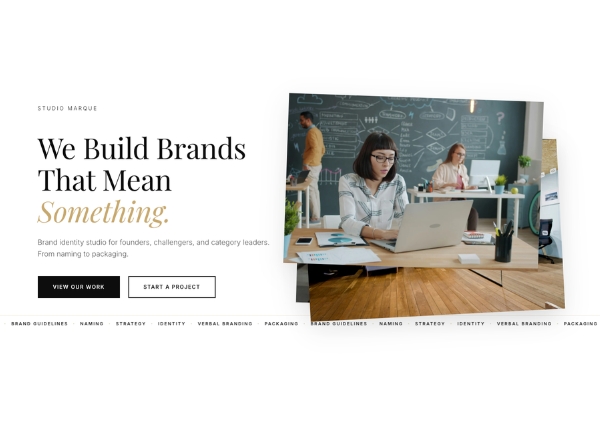
The Branding Studio demo is built for creative agencies, identity designers, and boutique studios who want a polished online home that reflects the quality of their work. It pairs Canvas's flexible layout system with a refined typographic feel and a warm, golden palette (theme color #C8A96E) that lends every page a considered, editorial character. Beyond the single demo page, the underlying Canvas template provides all the reusable sections, blocks, and components you need to expand the site with project archives, case studies, a journal, and a contact funnel.
Design personality is understated and confident: stretched edge-to-edge sections, a medium-height header, and the deliberate removal of the header border give the layout a clean, modern silhouette without feeling sparse. The result is a presentation style suited to brand strategy, naming, logo design, packaging, and visual identity work where every detail matters.
What's included
| Page | Description |
|---|---|
demo-branding-studio.html |
The Studio Marque landing page introduces the agency with a hero statement, a showcase of brand identity services and process, featured case studies, and a clear path for prospective clients to get in touch. |
The demo's own styles live in demos/branding-studio/branding-studio.css. Shared framework styles come from style.css and css/font-icons.css.
The full editing guide is in the dashboard
Step-by-step customization, the complete settings reference, and copy-paste code are available to registered Canvas users. Creating an account is free.
Required files
CSS: demos/branding-studio/branding-studio.css